Smaller files.
Real results.
Every number and every image on this page comes from a real, licensed video, run through QuickCompress's actual compression code. Nothing here is estimated or invented.
A real, native-4K, 1.96 GB film clip, compressed locally on Apple Silicon in 129.6s. See the full test →
Three different videos. Three honest results.
Results vary by content and size. A native-4K film, live-action footage, and animation all compress differently, so we measured all three rather than publishing one flattering number.
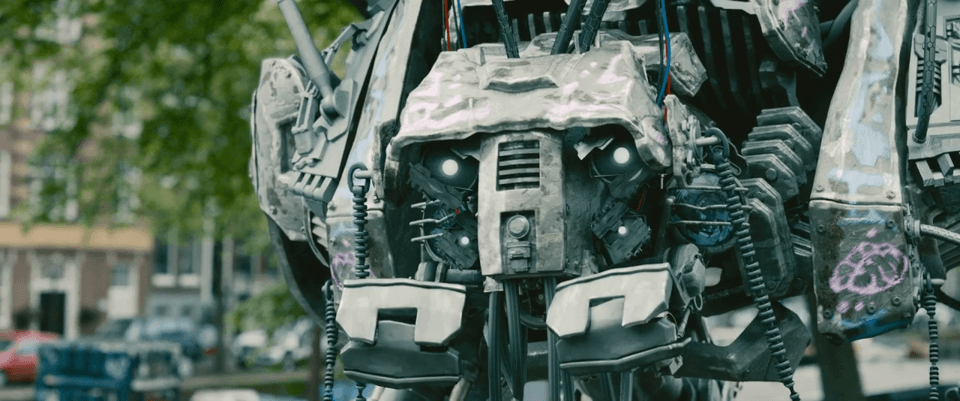
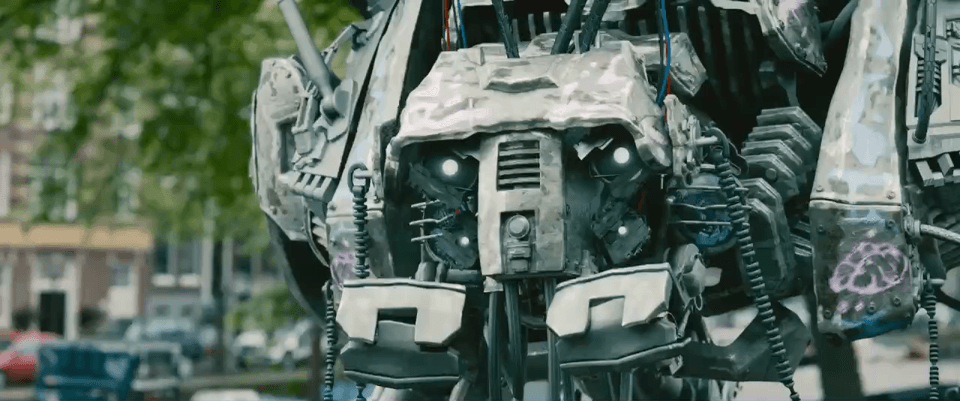
Can you see the difference?
The exact same timestamp, pulled from the source file and the compressed output.
Native 4K (Sintel)


Live-action (Tears of Steel)
Animation (Big Buck Bunny)


25 MB. 50 MB. 100 MB. Your own number.
Four target-size runs against a real video, every one landed under budget in a single attempt.
Very tight custom targets on longer or higher-detail sources have a real floor: see the full target-size test for a case where it didn't land under budget, reported honestly rather than left out.
How this was measured.
- Environment
- MacBook Pro (Apple M1 Pro), macOS 26.5.2
- Encoder
- Apple's VideoToolbox hardware encoder
- Large 4K source
- Sintel, (C) Blender Foundation, durian.blender.org, CC BY 3.0
- Live-action source
- Tears of Steel, (C) Blender Foundation, mango.blender.org, CC BY 3.0
- Animation source
- Big Buck Bunny, (C) 2008, Blender Foundation, www.bigbuckbunny.org, CC BY 3.0
All three source videos are real, Creative Commons Attribution 3.0-licensed films from the Blender Foundation's open movie projects, not synthetic test patterns and not customer footage. Every result runs QuickCompress's actual production code (probing, planning, and the exact bundled FFmpeg sidecar it ships) against a real file, the same as it would on your Mac.
- Large 4K video compression
A real 1.96 GB native-4K film clip, compressed locally on Apple Silicon: 74% smaller.
- Live-action video compression
A real 5-minute film clip, compressed locally on Apple Silicon: 69% smaller.
- Animated video compression
A real animated clip, compressed locally on Apple Silicon: 50% smaller.
- Target-size accuracy test
What happens when QuickCompress is asked to fit a real video under a size.
We don't yet have a fair, reproducible head-to-head performance comparison against other compressors, so we're not publishing one. For an honest look at how QuickCompress's workflow differs from HandBrake's, see QuickCompress vs HandBrake.