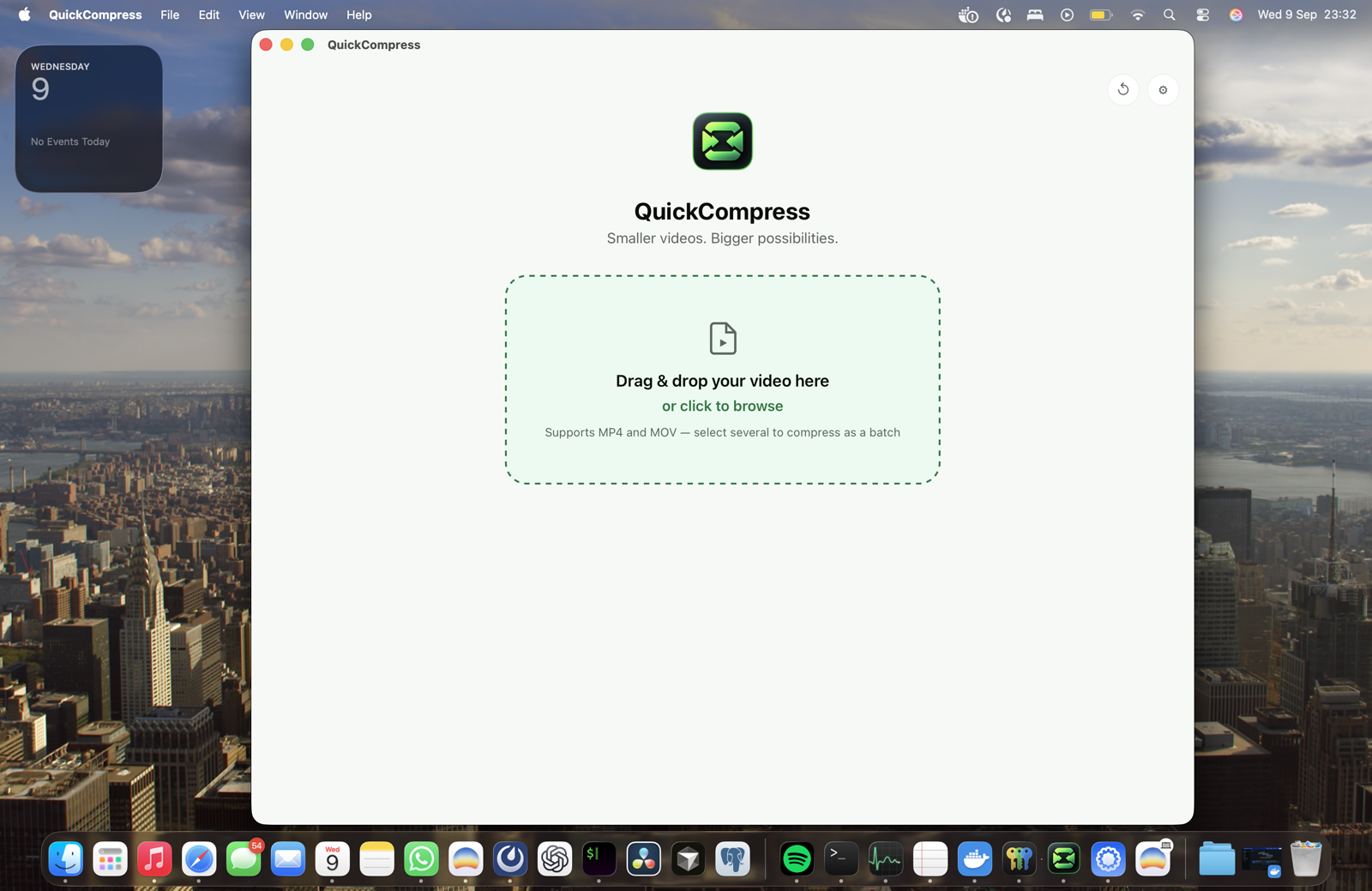
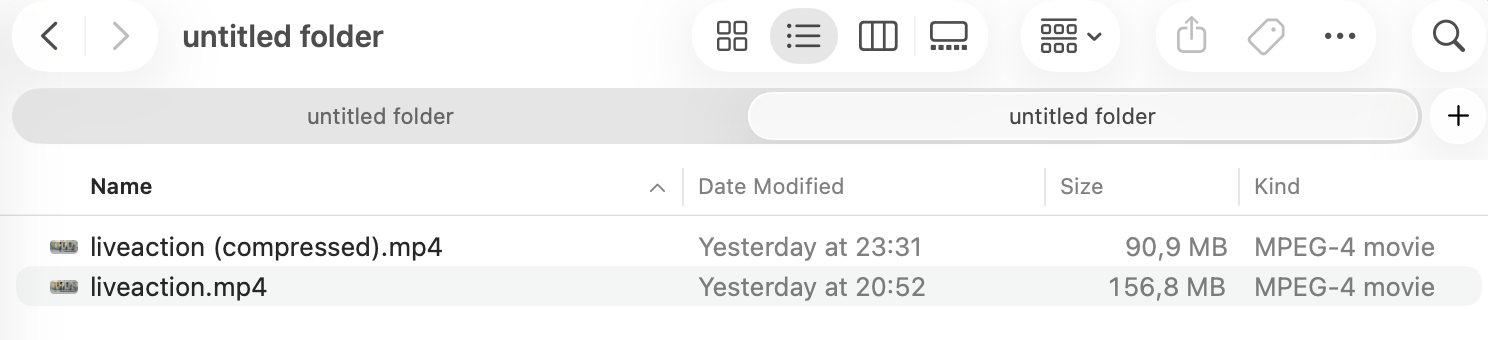
Make videos smaller.
Fast.

Compress large videos on your Mac. No uploads. No subscription.

One-time lifetime license, 1 Mac · Apple Silicon · macOS 13+

QuickCompress
100% local
clip-4k.mov
4K · 00:15 · H.264
149 MB
What do you need?
Estimated output33 MB
78% smaller
Before149 MB
After33 MB78% smaller
Measured, not promised

15s of 4K H.264 footage. MacBook Pro, Apple M1 Pro. Compressed in 8.6 seconds.

Before149 MB
After33 MB
78% smaller
Fit under a size

Need it under 25 MB?

Pick the size you need. QuickCompress works out the bitrate and encoding settings to hit it.

25 MB
50 MB
100 MB
Custom
24.2 MB
Under 25 MB. Ready to send.
Three steps

Drop. Choose.
Done.

01

Drop your video

Drag in an MP4 or MOV. QuickCompress reads it locally.

02

Choose the result

Make it smaller, or set an exact size like 25 MB.

03

Get the smaller file

Your source stays untouched. The new file saves locally, ready to share.

Built for your Mac

Runs on the hardware you already own.

QuickCompress uses Apple Silicon's video engine directly. No fans, no battery drain, no waiting on a render.

Apple Silicon hardware encoding
VideoToolbox, the same engine macOS uses
Nothing leaves your Mac
QuickCompress
QuickCompress
clip-4k.mov
4K · 00:15 · H.264
149 MB
Result
Output33 MB
78% smaller
Privacy by architecture

Your video never leaves your Mac.

QuickCompress processes files locally. Client footage, unreleased content and private recordings never need to pass through a server.

No cloud video processing
No media stored on our servers
No filenames or paths in analytics
Your video
QuickCompress, on this Mac
Smaller file
Nothing in this path uploads anywhere.
Internet connection: not used
Not the only option

Why not HandBrake or an upload tool?

Both work well for what they're built for. Here's the honest difference.

HandBrake

Free and open source, with full manual control over every encoder setting. QuickCompress trades that control for one question: how small?

Compare in detail →

Cloud upload tools

Convert in a browser, but your file leaves your Mac first, and pricing is often metered or watermarked on the free plan.

Compare in detail →
Early Bird, first 500 customers

Pay once.
Keep it.

$39 USD, then $59
✓ Local compression✓ No file size limits✓ Fit-under-X-MB mode✓ Apple Silicon acceleration✓ Lifetime license, 1 Mac at a time✓ Lifetime updates for Early Bird customers
Get QuickCompress, $39One-time payment, no subscription · macOS Apple Silicon3-day money-back guarantee · One-time purchase · No subscriptionBy purchasing you agree to the Terms and Privacy Policy.
FAQ

Small app.
Clear answers.

Does QuickCompress upload my videos?+
No. Compression happens locally on your Mac. Your videos never need to be sent to QuickCompress servers, and we never see the file itself.
Is there a file size limit?+
No. QuickCompress processes files locally rather than through an upload limit, so there is no artificial cap on source file size.
Which video formats are supported?+
MP4 and MOV, the two containers real-world footage from phones and cameras almost always arrives in.
Will compression reduce video quality?+
Compression always involves trade-offs. QuickCompress chooses sensible settings automatically for the outcome you ask for.
Why not just use HandBrake?+
HandBrake is excellent for advanced transcoding. QuickCompress is for people who want a smaller video without thinking about codecs, bitrates or encoder profiles.
How does the license work?+
One $39 Early Bird purchase (the standard price after launch is $59) is a one-time payment, not a subscription. It grants a lifetime license for QuickCompress.
Can I use QuickCompress on more than one Mac?+
A license activates one Mac at a time. Moving to a new Mac is self-serve: deactivate the old Mac from Settings, then activate on the new one. No need to contact support for a routine transfer.
Do I have to pay again for updates?+
No. Early Bird customers receive all future QuickCompress updates at no extra cost.
Which Macs are supported?+
Apple Silicon Macs (M1 or later) running macOS 13 (Ventura) or newer.

Your video is too big.
Make it fit.

Get QuickCompress $39

No uploads. No subscription. No file size limits.